Weekly online hours
Choose opening and closing times for the booking schedule.
ONLINE BOOKING
Let customers schedule from your website, a text link or a QR code. These examples come from the booking tools built for City Garage Door Service and could be tailored to your service business.
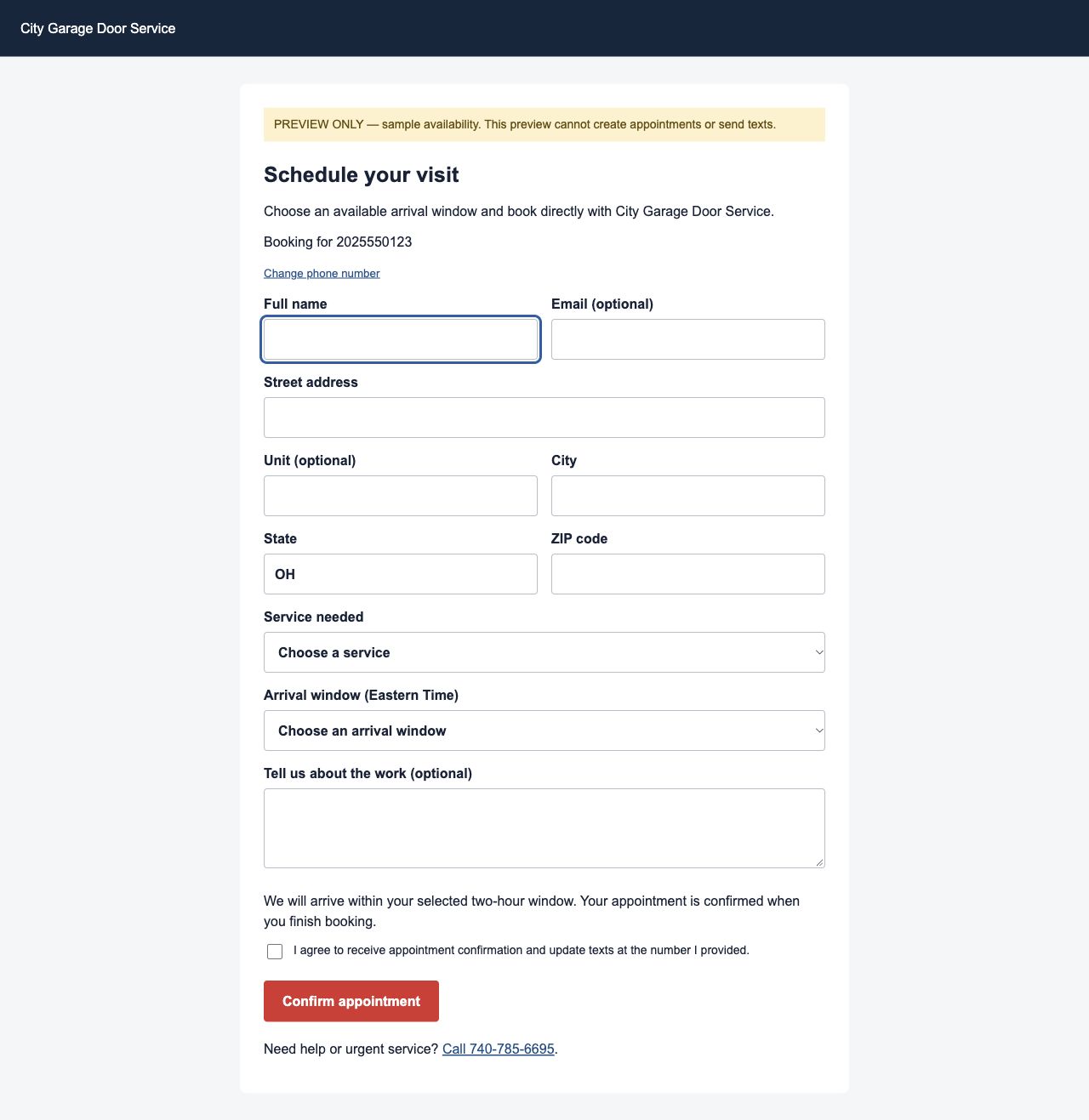
Choose a service and an available arrival window.
See the scheduling experience ↗02 · YOUR CONVERSATIONSMove a customer from conversation to scheduling.
See text-to-book ↗03 · YOUR MARKETINGConnect trucks and print materials to your booking page.
See the original QR example ↗01 / ONLINE SCHEDULING
Bring service selection, contact details and available arrival windows into a customer-facing form. The existing booking workflow confirms the appointment and returns a management link for changes or cancellation.
Your service types, service area, intake questions, arrival windows and branding.
 Open original screenshot ↗
Sample availability and fictional contact information. This screenshot cannot submit a booking or send a message.
02 / TEXT-TO-BOOK LINKS
Instead of reading appointment choices over the phone, send a direct booking link. The existing CRM gives owners and managers a Text link action with a recipient phone number and a send-status result.
Your approved message, sender, access roles and scheduling destination. Sending texts requires a configured messaging provider.
03 / BOOKING QR CODES
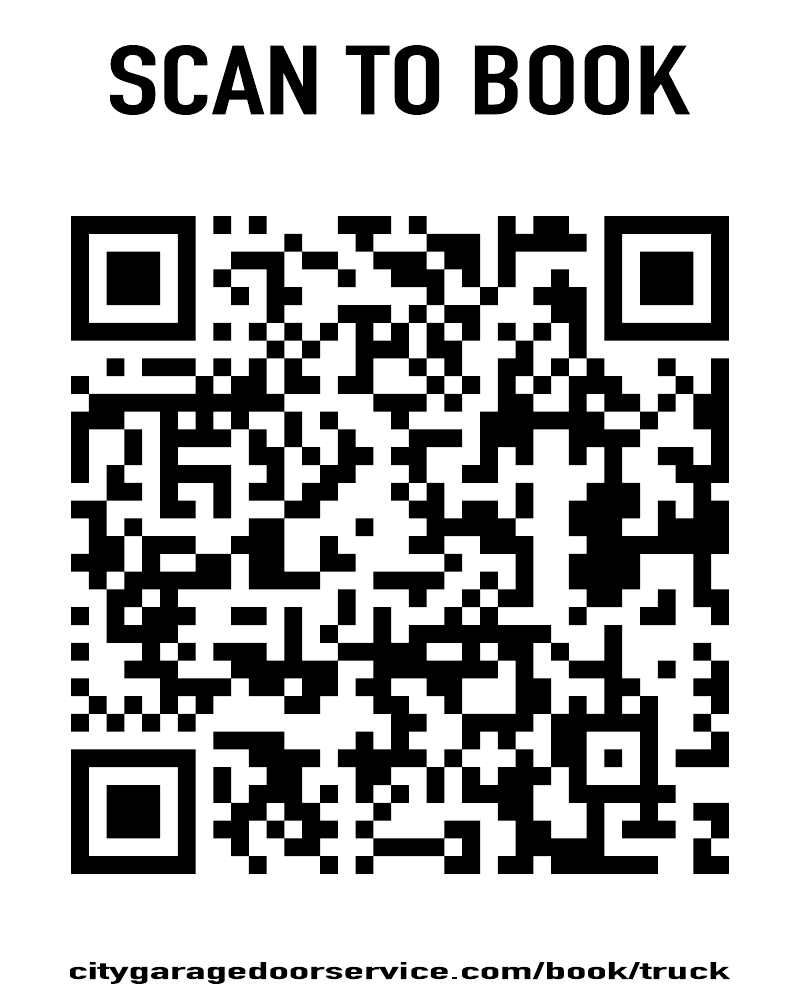
A QR code can turn your truck, a leave-behind card or a printed sign into a direct path to online scheduling. The original company QR points to a permanent company address that forwards customers to the booking form.
Branded artwork and booking destinations for vehicles, cards, job-site signs or other materials. Additional QR campaigns can be scoped for your business.
The pictured QR is the original City Garage Door Service example. Scanning it opens the company’s public booking destination. It is not a demo submission and does not book an appointment by itself.
 Open original QR artwork ↗
THE OFFICE STAYS IN CONTROL
Customer convenience starts with the availability your business chooses to offer.
Choose opening and closing times for the booking schedule.
Pause new online bookings for today or apply a same-day override.
Review incoming online appointments. The office review label is separate from the customer’s booking confirmation.
FROM THE FIRST CLICK TO THE FRONT DOOR
Carry the appointment into dispatch, the technician’s workday and the customer’s arrival experience.
Website, text link or QR
Service and arrival window
Appointment and manage link
Office review and dispatch
On My Way and tracking
Based on the existing CRM online-booking controls, messaging workflow and company booking-plugin source. Screenshots and QR artwork are original examples. The text conversation is an illustration. No appointment or message is created by this proposal site.
A tailored build requires its own availability rules, provider connections, branding, deployment and testing. QR campaign source identifies the reported booking origin; it does not verify individual scans or marketing results.
THE NEXT STEP IS YOURS
Start with the way you work. Choose the capabilities that belong.